Solutions
From Physical AI simulation to industrial digital twin applications, Conworth provides scalable solutions powered by Conworth Engine, its proprietary 3D rendering technology.

Solutions
Industry-leading solutions for Physical AI simulation, industrial digital twins, and 3D-based asset management, powered by Conworth’s proprietary 3D rendering engine technology.
Conworth RESMOS
A realistic, economical, and scalable Physical AI simulation environment for training, testing, and validating robots and autonomous systems in large-scale virtual worlds, powered by Conworth’s proprietary 3D rendering engine technology.
Conworth Engine
Conworth Engine is offered as a license-based solution with APIs, enabling customers to build their own applications on top of our core technology.
See moreConworth 3D Note
A 3D collaboration tool that enables user to create notes in a visualized 3D space. With this tool, user can note and share work details, memos, photos, and drawings related to issues.
See moreDesign-Construction Consistency Analysis
Solution for comparative analysis of BIM models and large-scale point clouds. Powered by Conworth’s distributed server technology, it enables cluster-based processing of massive datasets, with results accessible via a simple web interface.
H-Eagle
A 3D Visualization solution for immersive experiences through mesh/texture optimization and web-based server-side rendering.
See moreR-Eagle
A 3D Asset management solution using autonomous robot integrated with various IoT sensors that enables gas leak detection, gauge reading, hazard monitoring.
See moreT-Eagle
A 3D visualization solution for smart city with spatial big data management and analysis using distributed server and graphic technology.
See moreRevit2Gltf Converter
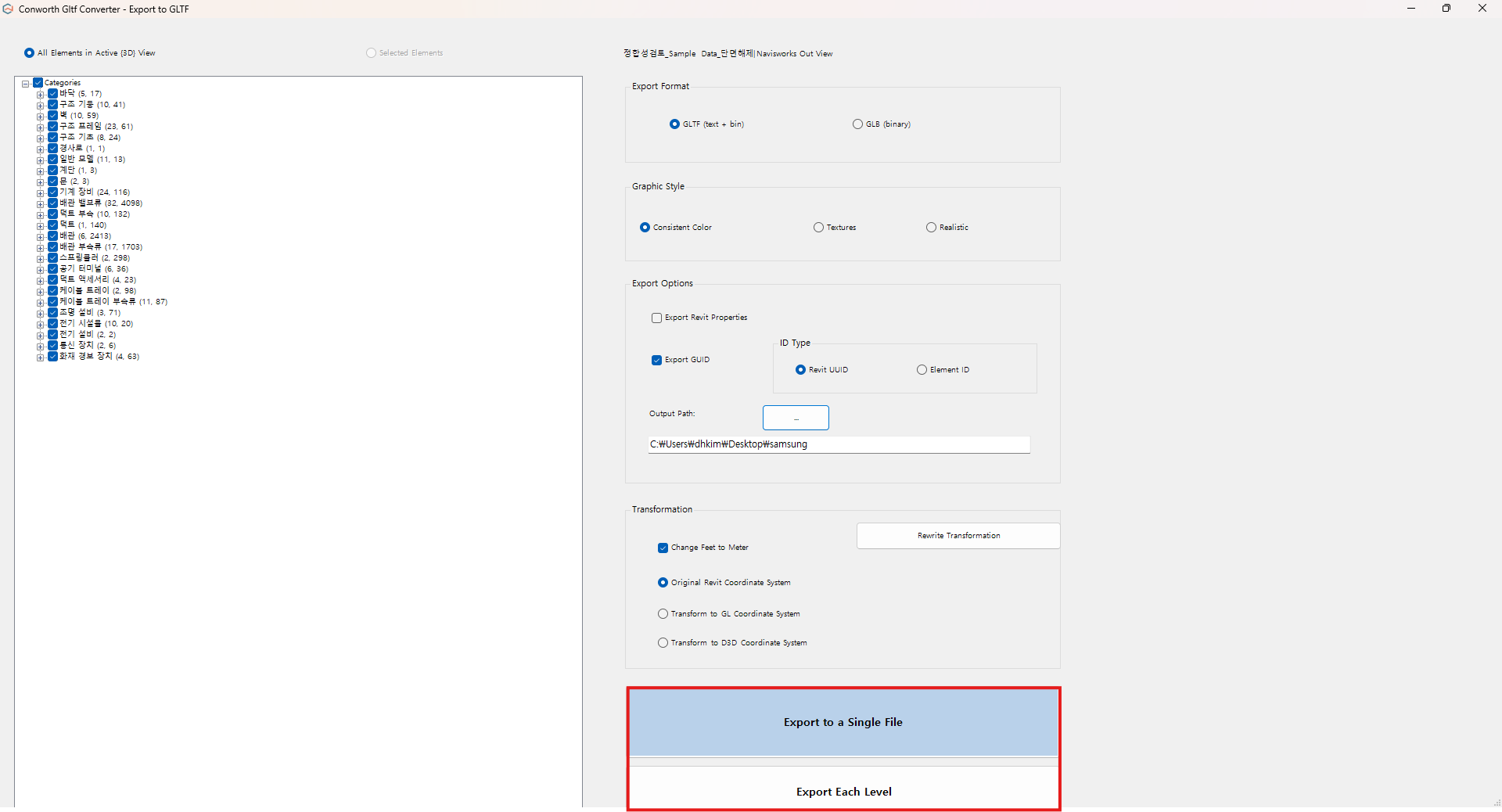
The Revit2Gltf Converter operates as an Add-in for Revit®, enabling the direct conversion of Revit®’s element category hierarchy into the node hierarchy of glTF. (Go to Autodesk App Store)
Conworth Gltf Converter (for Navisworks)
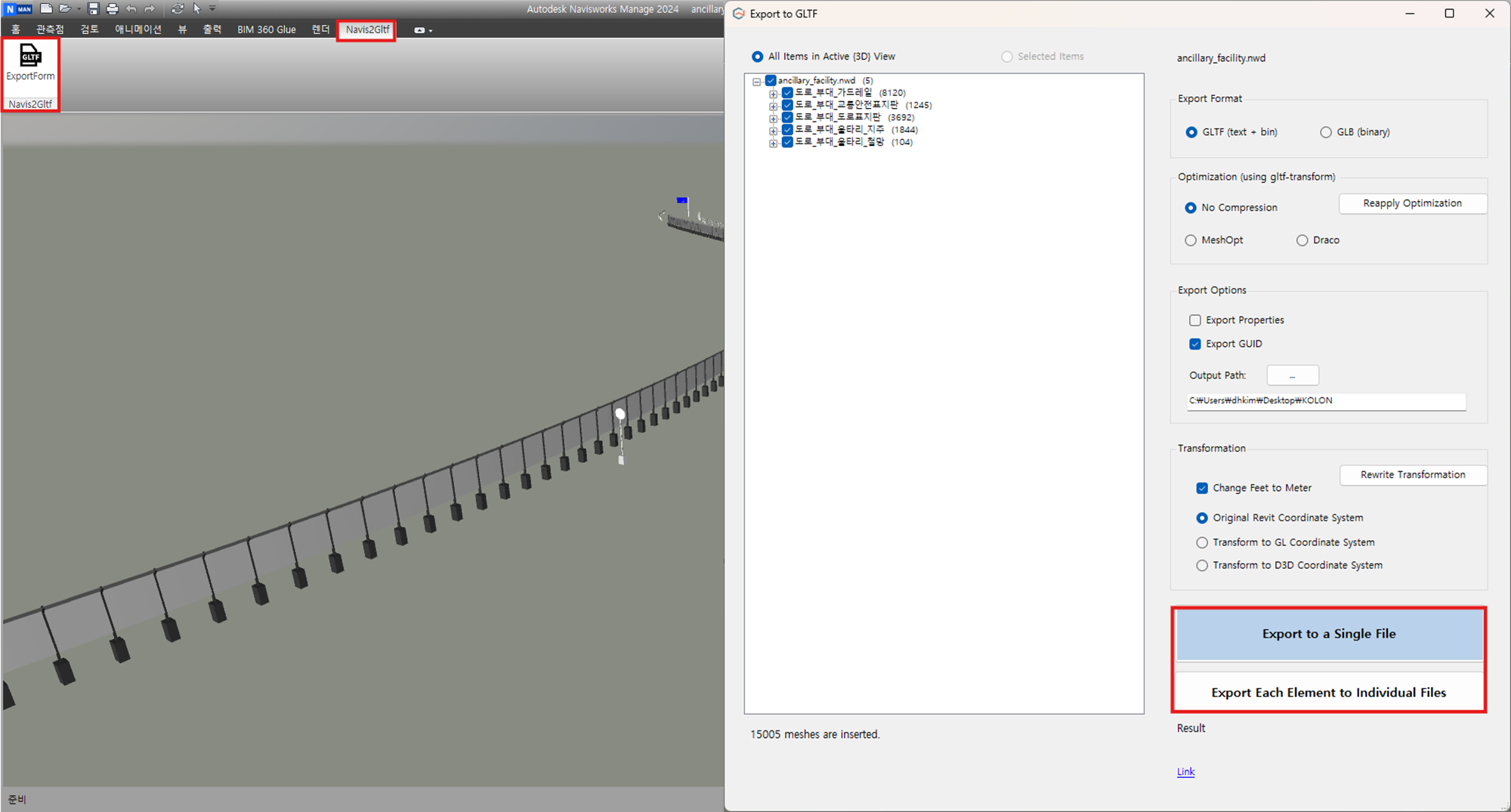
The Conworth Gltf Converter operates as an Add-in for Navisworks, enabling the direct conversion of Navisworks’s element category hierarchy into the node hierarchy of glTF. (Please contact via email.)